
Practical tutorial

A practical guide to how to use voicemaker online

This walkthrough shows how to use voicemaker online from the first line of text to a reviewed voice result. Follow the sequence, check the caveats, and adjust one variable at a time.

Review before publishing
Voicemaker workspace for preparing a voice task

Start here

Prerequisites

A short preparation pass makes the online workflow easier to test and repeat. These related guides cover adjacent decisions without replacing the steps below.

Prepare your input

Set up the task before you begin

The same online workflow can serve several kinds of users, but each person should begin with a clear script, a defined audience, and a specific review goal.

Video creator

You have a short narration for an explainer, tutorial, or social video and want to hear how the wording flows aloud.

Break the script into natural sentences, listen for awkward transitions, and revise the text before treating the result as final.

text to voice converter free
Course author

You are preparing lesson material and need a consistent reading style across several sections.

Keep terminology, punctuation, and pronunciation notes consistent so each section is easier to compare during review.

voice maker ai

Small business owner

You need a short announcement, product introduction, or support message that sounds clear rather than improvised.

Write for listening, remove dense phrases, and check that the opening explains the purpose quickly.

voice maker online free

Accessibility-focused editor

You are checking whether written content is understandable when heard instead of read on screen.

Use plain sentence structure, describe important context, and review the spoken result at a comfortable pace.

voicemaker examples female

Core workflow

Numbered steps

Treat the process as a short loop: prepare, generate, listen, then revise. The first result is a draft for evaluation, not a reason to skip the review stage.

  1. 1

    Prepare a listening-ready script

    Write the words exactly as they should be spoken. Use short paragraphs, punctuation that reflects pauses, and pronunciation notes where a name or technical term could be misunderstood.

  2. 2

    Describe the desired result

    State the audience, purpose, mood, and approximate delivery in one concise instruction. If the task is specific, include the length or setting so the output can be judged against a real use case.

  3. 3

    Review and refine the draft

    Listen for pace, emphasis, clarity, and unintended pauses. Change one input at a time, then compare the new result with the earlier draft before deciding whether it is ready for your project.

Review the change

Common errors and fixes

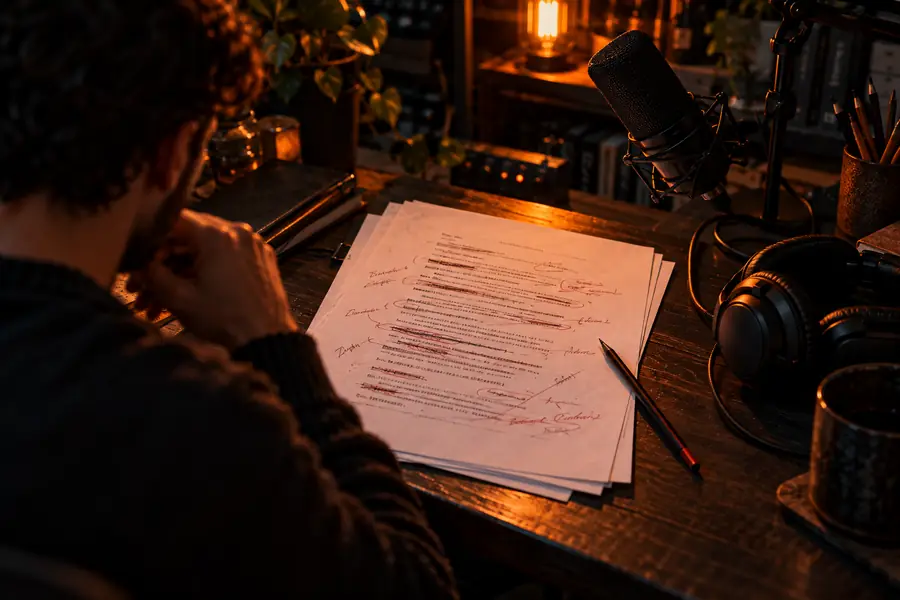
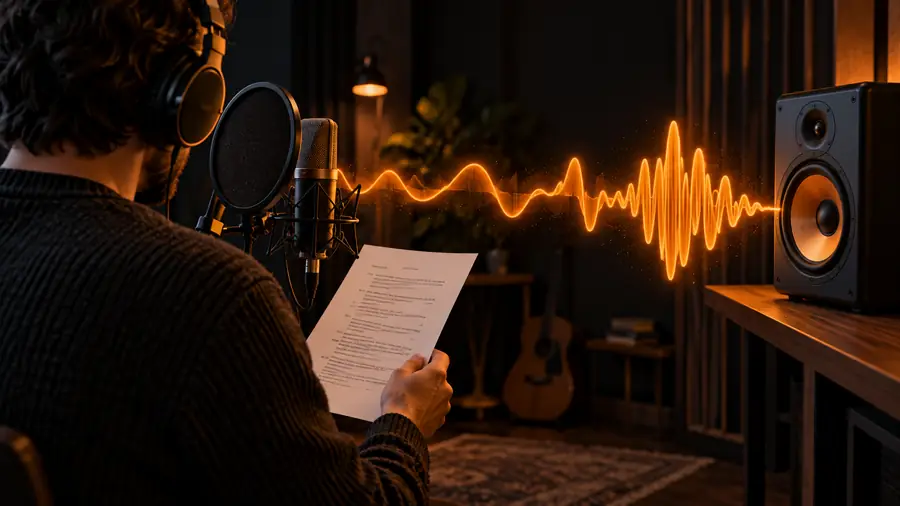
A before-and-after comparison is useful because many problems begin in the source text rather than in the voice itself. Look for a clear improvement in the revised version.

Unedited text prepared for an online voice workflow Before: dense script
Revised text prepared for clearer spoken delivery After: listening-ready script
Compare wording before changing settings.

Choose deliberately

Advanced tips

Once the basic sequence feels familiar, use a simple comparison table to decide what to change next. Do not change several variables at once, or it becomes difficult to identify what improved the result.

Quick first draft
Controlled revision

Script structure

Quick first draft

One long block of text with few pauses

Controlled revision

Short paragraphs with punctuation that follows the intended delivery

Instruction

Quick first draft

A broad request such as “make it sound good”

Controlled revision

A clear audience, purpose, mood, and listening context

Pronunciation

Quick first draft

Names and specialist terms left unmarked

Controlled revision

Potentially unclear words identified before review

Review method

Quick first draft

Accepting the first result without listening closely

Controlled revision

Listening for pace, emphasis, pauses, and clarity

Revision cycle

Quick first draft

Changing text, tone, and delivery together

Controlled revision

Changing one meaningful variable between drafts

Publishing decision

Quick first draft

Judging only by how the text looks on screen

Controlled revision

Checking whether it works for the intended listener and context

Know the limits

What the online workflow cannot do

A careful tutorial should also define the boundaries. These caveats help you avoid mistaking a convenient draft for a finished production asset.

It cannot repair unclear writing by itself

A spoken result may still sound confusing when the source script is vague, repetitive, or overloaded with clauses.

Workaround

Rewrite for listening first: shorten sentences, state the subject early, and remove words that do not help the listener.

It cannot replace human review

A generated voice can reveal pacing and pronunciation problems, but it cannot decide whether every claim, name, or emphasis is appropriate for your audience.

Workaround

Listen with the intended audience in mind and have another person check important or public-facing material.

It cannot guarantee a production-ready recording

A draft may still need editorial approval, brand review, accessibility checks, or a separate production process before publication.

Workaround

Keep the generated result in a review stage until it meets the requirements of the channel where it will be used.

It cannot make every instruction precise

Vague prompts and contradictory requirements usually produce a result that is harder to judge and revise.

Workaround

Describe one purpose at a time and specify the audience, delivery intention, and any words that need special attention.

Ready to test

Put the workflow into practice

Bring a short, specific script and start with a clear listening goal. Voicemaker is easiest to evaluate when you compare a draft with a deliberate revision instead of trying to perfect every setting at once.

Open Voicemaker
  • Prepare the words before you generate
  • Review the result as audio, not only as text
  • Revise one meaningful variable at a time

Tutorial FAQ

Tutorial FAQ

These answers address the main questions behind the query and keep the workflow focused on preparation, generation, and review.

Start with a short script and decide what the spoken result needs to accomplish. Describe the audience and delivery goal, create a draft, listen carefully, and revise the text or instruction based on what you hear.

Prepare the exact words you want spoken, including names, technical terms, and punctuation that should guide pauses. It also helps to know where the result will be used and what qualities matter most, such as clarity or a calm delivery.

Use concise instructions instead of broad requests, and avoid changing several things at the same time. Compare drafts after listening for pace, emphasis, pronunciation, and whether the message is easy to follow.

You can create a draft quickly, but skipping review is risky for anything intended for other people to hear. Listen for awkward pauses, unclear words, incorrect emphasis, and claims that need a human editor to verify.

Start creating
Start creating